Product Recommendations
Recommends relevant products through conversation using the shopper's stated needs, cart, and current catalog.
Learn more about Product RecommendationsHelp shoppers discover a relevant upgrade, bundle, or add-on after the core product choice is clear.
Install BuyScout® and test the skill with your own store data.
 4.8on
4.8on
A relevant upsell improves or completes the shopper's chosen solution using documented catalog relationships, compatibility, and current price information. BuyScout® AI Store Agent respects the shopper's stated budget and explains why the additional option matters.
BuyScout® introduces an extra option only when it solves a visible need in the current decision.
A shopper's stated requirement is met more directly by a documented higher-capability version, and the trade-off is clear.
The selected product needs or benefits from a compatible accessory, refill, protective item, or merchant-defined bundle.
A shopper states the needed amount or usage frequency. BuyScout® can compare a documented larger pack without assuming savings.
Upsells stay grounded by starting with the chosen product and the shopper's explicit priorities.
BuyScout® uses the product or cart context available to identify the item the shopper is actually considering.
The AI Store Agent compares documented relationships, specifications, availability, and price before presenting an upgrade or add-on.
The response names the specific benefit and cost trade-off, then lets the shopper accept, decline, or refine the suggestion.
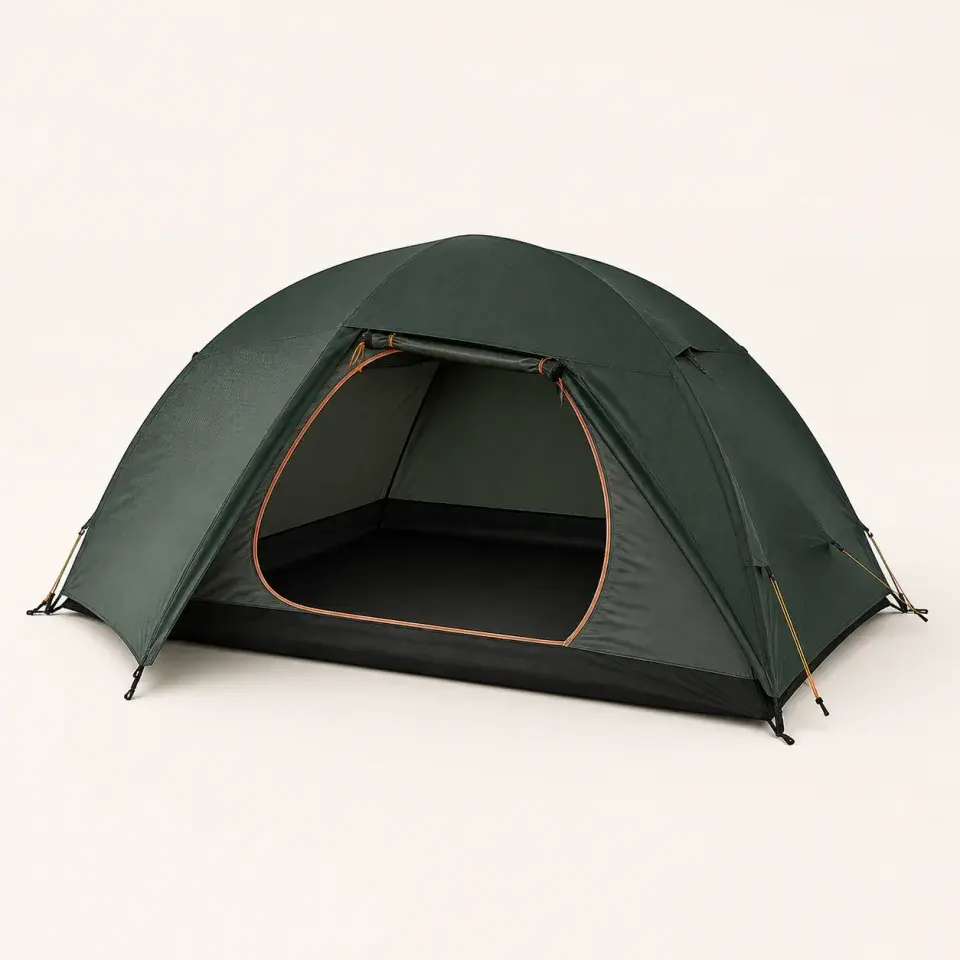
RidgeLine 70 Tent
$249Add to cartOutcomeThe shopper sees a documented larger option in context and can compare it without a manufactured urgency claim.
BuyScout® can identify relevant upgrades and add-ons automatically from current product information, shopper context, and documented product relationships.
BuyScout® reads compatibility and pairing information from relevant Shopify product detail pages and other store pages. Merchants can optionally add product relationships in BuyScout® Dashboard.
BuyScout® uses current Shopify price, inventory, variant selection, and included-component data so each suggestion represents what can be purchased.
BuyScout® respects a shopper's stated budget and avoids irrelevant suggestions automatically. Merchants can add exclusions, no-upsell guidance, or proactive frequency limits in BuyScout® Dashboard.
BuyScout® can suggest relevant upgrades automatically. Dashboard controls are optional ways to tune proactive delivery.
BuyScout® uses the shopper's stated goal, current product, cart, price, availability, and compatibility information to decide whether an upgrade or add-on is useful.
BuyScout® reads Shopify product data and relevant website pages automatically. Merchants can add compatibility, bundle, exclusion, or no-upsell guidance in BuyScout® Dashboard.
Merchants can tune proactive upsells in BuyScout® Dashboard. Conversational upsells work without this configuration.
Merchants can test compatible, incompatible, unavailable, over-budget, already-in-cart, declined, and no-suggestion cases with real catalog items.
Smart Upsells clarifies the purchase without pushing more products into every conversation.
BuyScout® suggests an upgrade or add-on only when the current product, shopper need, and documented relationship make it relevant. Some conversations need no upsell.
The merchant controls which products belong together by maintaining current Shopify catalog data and compatibility, bundle, and exclusion guidance on the product detail page or in BuyScout® Dashboard. BuyScout® uses those sources when suggesting an upsell.
BuyScout® labels a higher-capability model as a replacement when it would take the place of the original choice. BuyScout® presents another item as an add-on only when documented product information shows that it completes or improves the solution.
BuyScout® automatically uses an explicitly stated budget and available price context. BuyScout® does not infer a precise budget from browsing behavior alone.
BuyScout® uses current product and cart information to avoid suggesting an item that is already included. Accurate included-component information on the product page or in BuyScout® Dashboard makes this automatic check more precise.
BuyScout® presents a relevant upsell as an optional choice that the shopper can decline or refine without manufactured pressure.
Install BuyScout® and test the skill with your own store data.
Recommends relevant products through conversation using the shopper's stated needs, cart, and current catalog.
Learn more about Product RecommendationsSuggests complementary or alternative products from stated needs, cart context, and merchant-defined relationships.
Learn more about Smart Cross-sellSurfaces merchant-configured Shopify discounts when they match the shopper's cart, eligibility, and existing store rules.
Learn more about Smart Discount Offers