
Setup
Shopify add-ons: which extras earn a place in your store
Shopify add ons add cost, weight and overlap. Which apps earn a place, which to cut, and a ten-minute audit of the stack you already run.
Cart abandonment is three separate leaks. Measure each stage in Shopify, fix costs and the account wall first, shorten checkout, then recover.
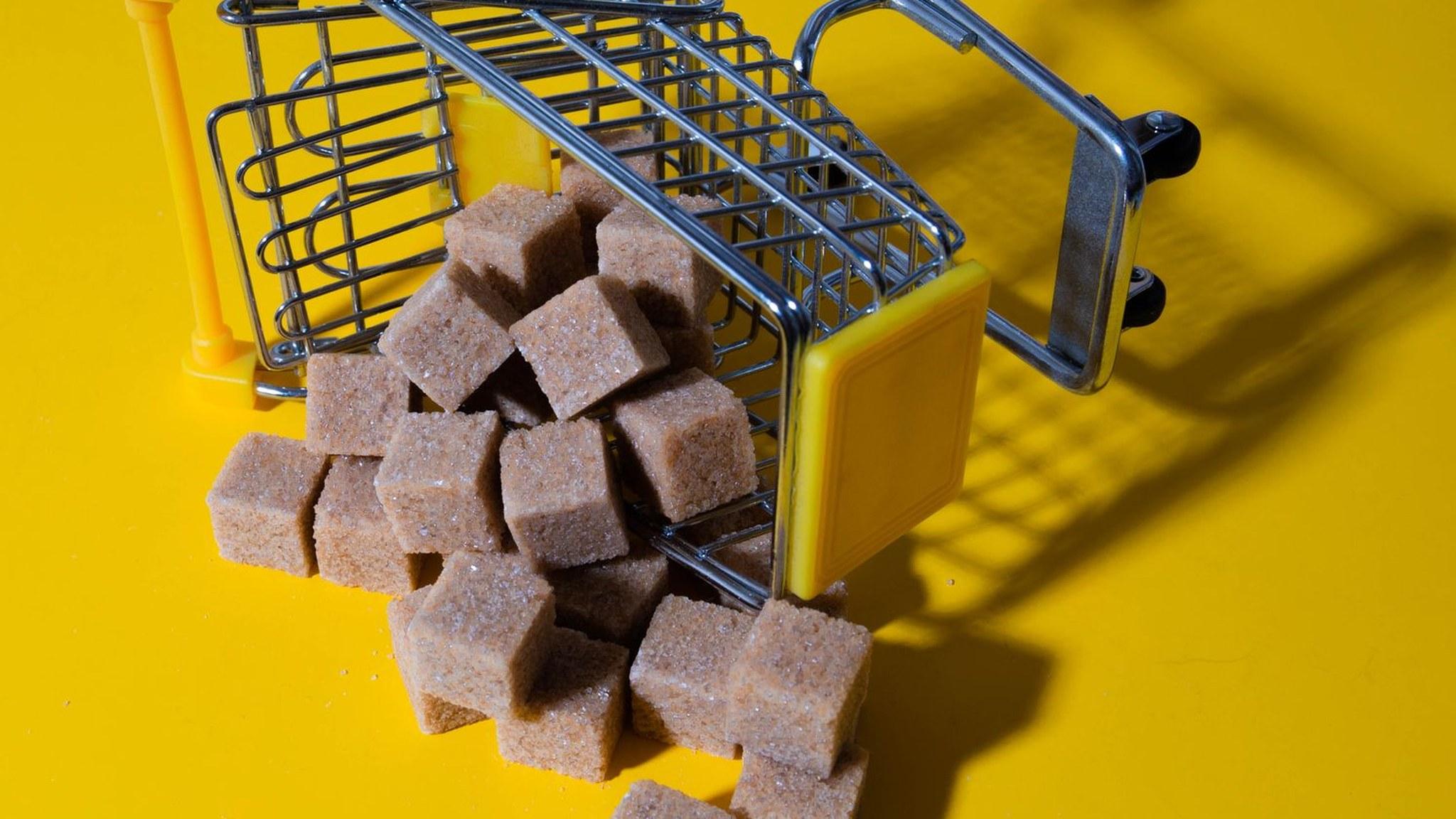
Seventy percent of online shopping carts are abandoned. That number is quoted everywhere, and on its own it is close to useless: it tells you that carts leak, not where, why, or what to fix first. Two stores with the same rate can need opposite changes.
This guide splits abandonment into the three stages where it happens, shows how to measure each one in Shopify, and orders the fixes by what shoppers actually leave over: late costs, forced accounts and a long checkout first, recovery messages last. It ends with a four-week order of work.
A cart is abandoned when a shopper adds an item and leaves without paying. Shopify counts it at checkout: the Abandoned checkouts report lists checkouts that were started and never completed. That is a narrower definition than most articles use, and the difference matters.
Between the product page and the order confirmation there are three exits: product page to cart, cart to checkout, and checkout to payment. Each has its own rate and its own causes.
Baymard Institute, which aggregates published studies, puts the average documented cart abandonment rate at 70.22% across 50 studies, updated in October 2026. When it asks shoppers why they left, the answers cluster into a few causes, and only one of them is price.
Read that list again. Four of the five largest reasons are about information and steps, not about the product being too expensive. That is why a discount is usually the wrong first move: it pays shoppers to overlook problems you could remove for free.
Shopify's Conversion funnel report, under Analytics, shows sessions, sessions with add to cart, sessions that reached checkout and sessions that converted. Read it weekly and by device, then calculate three numbers:
Compare four full weeks, not two days. Small stores get noisy fast, and a campaign, a sale or a holiday can move every number at once. Segment mobile from desktop before you conclude anything: the same store often has two different leaks.
These changes are cheap, reversible and aimed at the largest documented reasons. Do them before you touch design.
None of this needs a redesign, and all of it addresses the 40%, 18% and 12% reasons above. Measure the stage rates again two weeks later.
On Shopify the checkout is separate from your theme, so most of it is configured rather than designed. The goal is fewer decisions and fewer keystrokes on a phone.
Then place one real order on a phone, on mobile data, as a first-time customer. Every extra tap you notice is a tap a shopper may not make.
Many cart exits are not decisions against the product. They are a question the page does not answer: will this fit, does it work with what I own, when will it arrive, can I return it. A shopper with an open question rarely fills in a contact form to ask it. They leave.
A BuyScout® AI Store Agent is trained on a store's products and policies and answers inside the cart and on the product page, using page, browsing, cart and conversation context. It is a free Shopify app, set up in about a minute.
BuyScout reports that stores using the agent typically lift conversion 10–30%, grow average order value 15–25% and cut repetitive support tickets 41%; those are the vendor's own figures, not guarantees. The agent is free forever and GDPR and AI Act compliant, and it is meant to work alongside your other fixes, not replace them.
Recovery is the cheapest sale you can make, because the shopper already chose the product. It works best as a short sequence, not a single reminder.
Shopify can send one automated recovery email; set the delay and edit the copy under Settings, then Checkout. For a sequence, an email or SMS app is the simpler route. Exclude shoppers who already bought, and measure recovered revenue per send rather than open rate.
Change one thing at a time, and give each change two full weeks before judging it.
Report the stage rate you changed, not the blended abandonment rate. A cart-page fix will not move checkout completion, and a checkout fix will not change add-to-cart. Compare like with like: same device, same traffic source, same four-week window. If a change looks flat after two weeks, keep it if the reason is sound and the sample is small; a store with a few hundred sessions a week cannot detect a small lift, and it should not pretend to.
Two related guides go deeper: what a shopping cart is and how to make yours convert, and how to increase average order value.
Start with the measurement, not the redesign. Write down your three stage rates this week, fix the surprise costs and the account wall, and only then decide whether the cart needs a new design, a new app or a new discount. If you want the question answered inside the cart, BuyScout® AI Store Agent installs free from the Shopify App Store in about a minute.
Shopify add ons add cost, weight and overlap. Which apps earn a place, which to cut, and a ten-minute audit of the stack you already run.
Shopify sales can mean total sales, net sales or what actually reaches your bank. Here is how to read the number, find the leak and raise it.
What an online shopping cart does, why shoppers abandon carts, and how to make your Shopify cart easier to finish.
Average order value tells you what each order is worth. How to calculate it, six tactics that raise it, and the math that says whether a discount pays.
Try it Now
Free forever. Set up in 1 minute.


